.jpg)
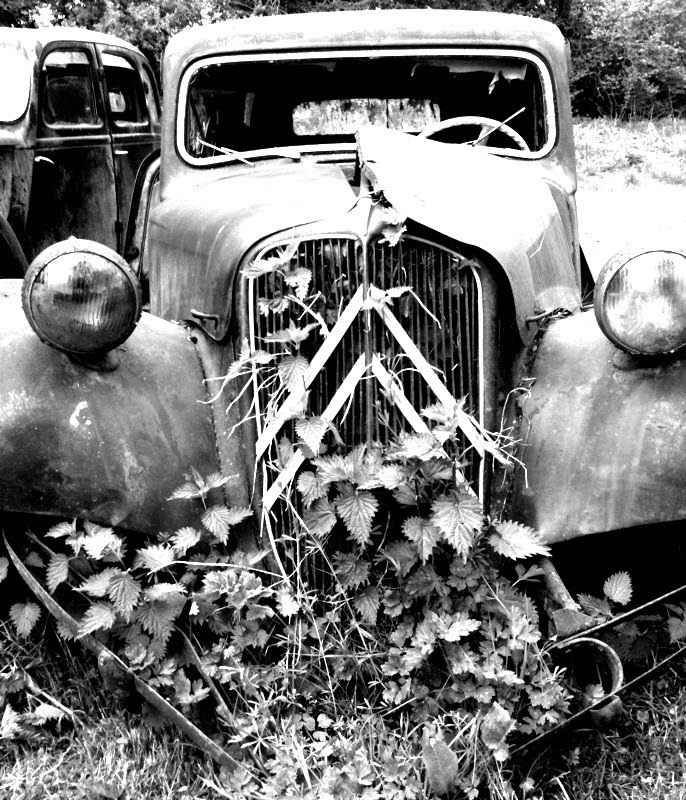
Playing with my new retro hipstamatic app for the iphone.


 The other day I received my shiny new iPhone. The underlying reason for me getting Apple's finest was primarily because my two-year old Nokia N95 had been held together by sellotape for the past six months as the back and battery kept falling out at inappropriate moments and also because I was spending a fortune by being on the internet too much reading emails etc. The iPhone's high contract price was counterbalanced by free web access and there was no clip-on back to fall off! Plus it looked snazzy. I was happy.
 Not a photography app as such but GoogleEarth will easily help you scout locations before a shoot. More specific is FocalWare which promises to be a God-send. It calculates the Sun & Moon location, in relation to due North. This provides an exact means of researching and preparing to photograph a subject with specific lighting or placement of the sun/moon in the scene.
  Everytrail (free)is a geotracking application records your movements, takes geotagged photos, to which you can make notes and immediately upload it all to everytrail.com. Originally used as an online tool for travel storytelling, it also offers photographers the chance to take reference photographs, tagged with location data, and record and share the settings that they were taken in. These can all then be plotted on a google map.
 Can't get your head around manual exposure settings? Use a calculator! ExposureCalc will let you select from a range of different light settings and will give you the different values you need to create a good quality photograph. Photocalc on the other hand is a bit more detailed, providing depth of field (DoF) and hyper-focal distance calculations, exposure reciprocation, and flash exposure calculations. If you want a good all round tool which also tells you when the sun will rise and set then PhotoBuddy is your, er, buddy.
 tonnes of apps for this, but my favorites so far are Tiffen Cool fx, offering nearly 100 different filters which can be applied and saved as “virtual” layers and images are saved out as new files; Lomo and ToyCamera (don't think just shoot); MagicTouch - what it says on the tin, basic retouches such as blemish removal, change eye colour, clone stamp, lighten selective areas etc.


 Posts
All Comments
Posts
All Comments




.jpg)


